
Connect your AI assistant
Give an MCP-compatible client the context and tools to inspect schemas, run supported queries, and discuss the results with you.
Connect your AI assistant to inspect, query, and analyze large datasets on your Mac. Work with local files, S3 objects, and lakehouse tables through the app, Terminal, or an MCP-compatible client.
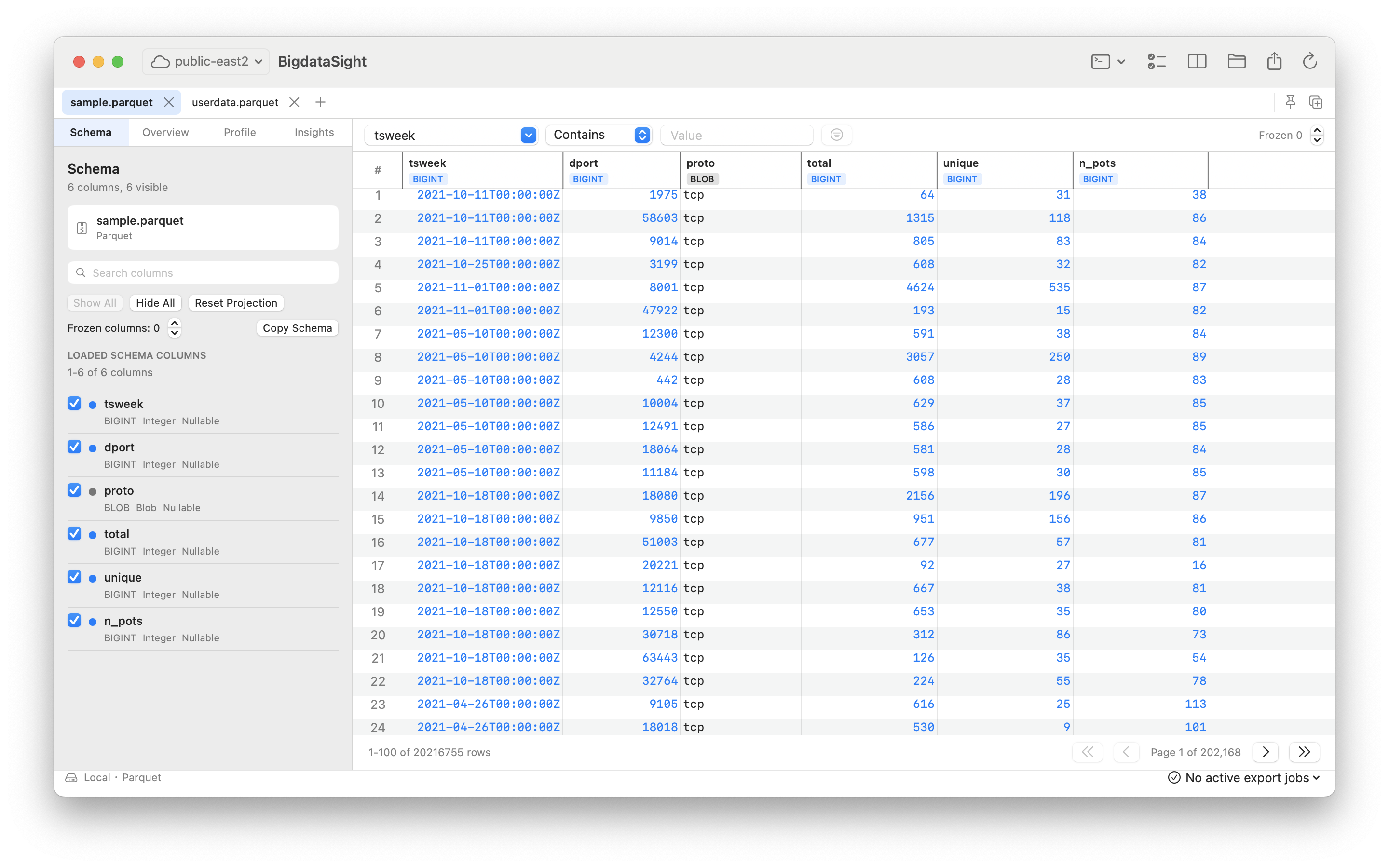
Run SQL, compare data, and export results from the command line or an AI client. Keep longer operations running as independent tasks and retrieve their results later.
Set up commands and AI clients →Open local Parquet and CSV, run single-source queries in the app or through BigdataSight 1.2 commands and AI tools, and explore offline verification examples. Pro adds more formats, remote sources, comparisons, and broader exports.
Read the 1.2 release notes →Explore data visually, bring questions to your AI assistant, and use the same Mac workspace to inspect the results. Features vary by source and plan.
Give an MCP-compatible client the context and tools to inspect schemas, run supported queries, and discuss the results with you.
Start with local Parquet and CSV in Viewer. Pro adds more formats, S3 objects, and Delta and Iceberg tables.
Use the SQL workbench or bds commands. With Pro, compare datasets, export results, and retrieve longer operations as independent tasks.
Your assistant helps formulate the question and query. BigdataSight processes the data on your Mac and returns the requested results. Start with schema and metadata, then choose the rows and calculations you need.
View download requirements →Open a local file, or connect to a supported remote source with Pro.
Connect an AI client, inspect the schema, and turn your question into a query.
Inspect the returned rows and calculation. With Pro, compare datasets or export the result.
No subscription and no timed trial. Viewer remains useful for real local work.
Evaluate BigdataSight with local Parquet and CSV files.
One-time purchase at the launch price through October 31, 2026. Founder buyers keep Pro permanently.
Loading standard pricing…
No account required. After payment, your license key appears on the confirmation page and is sent separately to the checkout email from licenses@bigdatasight.com. Please verify the email address before paying.
Yes. Viewer remains free without registration or a time limit. It supports local Parquet and CSV, single-source queries, two tabs, current-page CSV export, offline verification examples, and report reading. BigdataSight 1.2 also provides local command-line and AI queries within Viewer limits.
Connect a compatible external AI client through MCP. That client supplies the assistant and may require its own account or plan. BigdataSight provides data tools and processes queries on your Mac; information returned to the client is handled according to its provider and settings. See the AI setup guide.
Yes. BigdataSight 1.2 includes the bds command line. Install it from Command Line → Set Up bds… in the app, or copy a SQL query using Run → Copy as Command…. See the command-line quick start.
No. Pro is a one-time purchase that permanently unlocks the currently delivered Pro capabilities. Current product updates are included.
No. Both channels share the same core Viewer and Pro capabilities, but each uses its own purchase, restore, refund, and update system.
Founder Pro is available through October 31, 2026. Standard pricing begins November 1, 2026. Founder purchases keep Pro permanently.
Choose one answer and send a prefilled email. No call, form, signup, or dataset is required.
Share one answer